55282
Snack Station Snack Party
RM 1.00
Join Now


No lucky draws in this category right now.
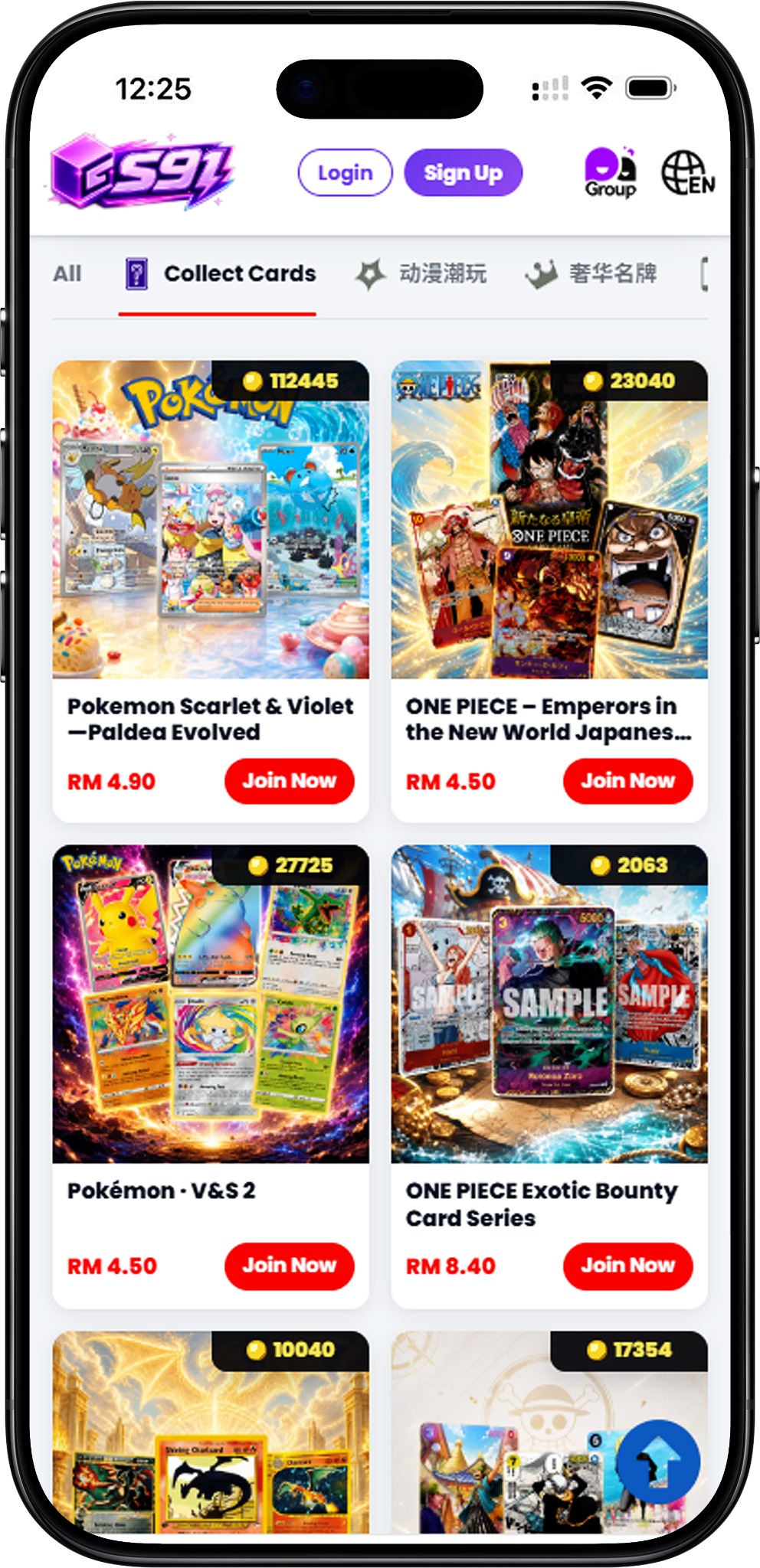
S91BOX Lucky Draw is organized into themed categories so users can browse different types of featured products more easily. The available categories cover trading cards, technology products, anime and character collectibles, and premium lifestyle selections. Each category has its own dedicated Lucky Draw page where users can explore the available collections in greater detail.
The Lucky Draw selection is divided into four main categories in this order: Collect Cards, Digital Technology, Anime Collectibles, and Luxury Brands. Users can move from the main Lucky Draw page to the relevant category page based on the products they want to explore.
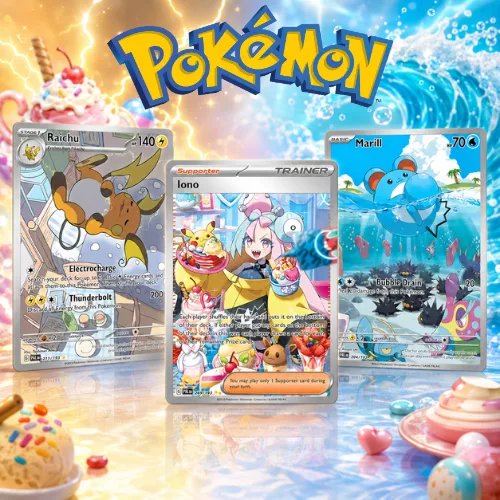
Collect Cards focuses on trading card-themed Lucky Draws. The complete selection includes Pokémon Scarlet & Violet – Paldea Evolved; ONE PIECE Card Game – Royal Bloodline (Japanese Edition); Pokémon Scarlet & Violet Expansion Pack: Super Electric…; Pokémon Scarlet & Violet; ONE PIECE – Emperors in the New World Japanese Ver. 2; and Pokémon · V&S 2. This category brings Pokémon and ONE PIECE card collections together under a dedicated S91BOX Lucky Draw section.
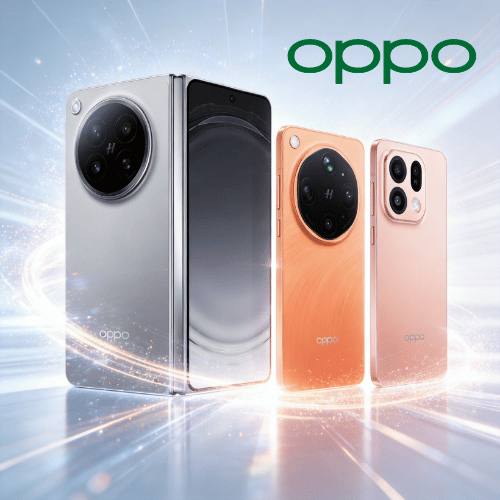
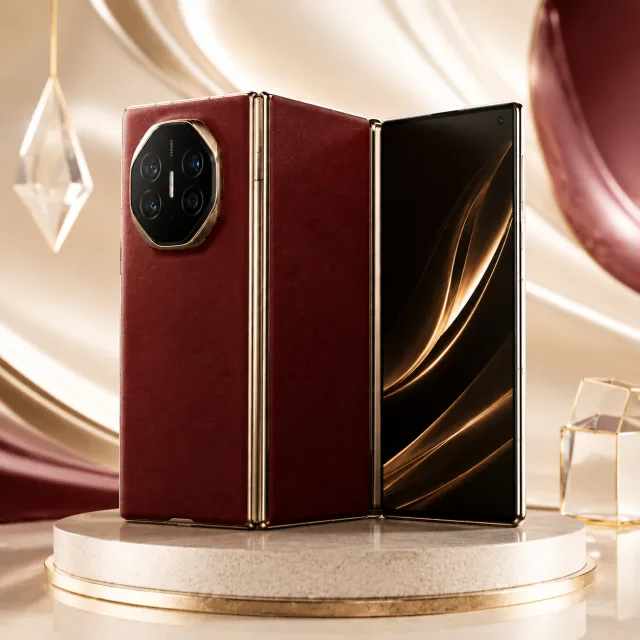
Digital Technology brings together Lucky Draws centered on consumer electronics, gaming and smart technology. The complete selection includes DJI ACTION DUO, HUAWEI Mate XT Ultimate Design Tri-Fold Smartphone, The World of the PlayStation 5 Console, and Home Lab Smart Home. Users can visit the dedicated Digital Technology page to explore these four technology-focused draws.
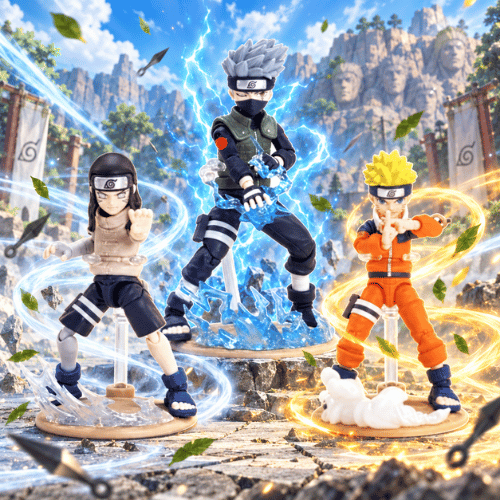
Anime Collectibles covers anime-inspired, character-based and designer collectible Lucky Draws. The complete selection includes POP MART x TOY STORY; SpongeBob: Bikini Bottom Buddies – Whimsical Plush Series; POP MART HACIPUPU x Crayon Shin-chan Series; Lotso Sweetheart Dream Collection; Crayon Shin-chan Costume Adventure Series; Twinkle Twinkle Farm Tales Series; Blaze & Thunder Spin Battle; Twinkle Twinkle Dreamland Adventures Series; Demon Slayer: Blades of Water & Flame Collection; SKULLPANDA Galactic Trend Collection; Dragon Ball: Ultimate Battle; Naruto: Ninja World Collection; Pokémon Figure Mega Collection; POP MART HACIPUPU; Enchanted Friends Collection; POP MART Labubu Box | Labubu Universe; One Piece | Ultimate Clash; Bandai Collection; POP MART Hirono Series; POP MART DIMOO Series; and POP MART Twinkle Series.
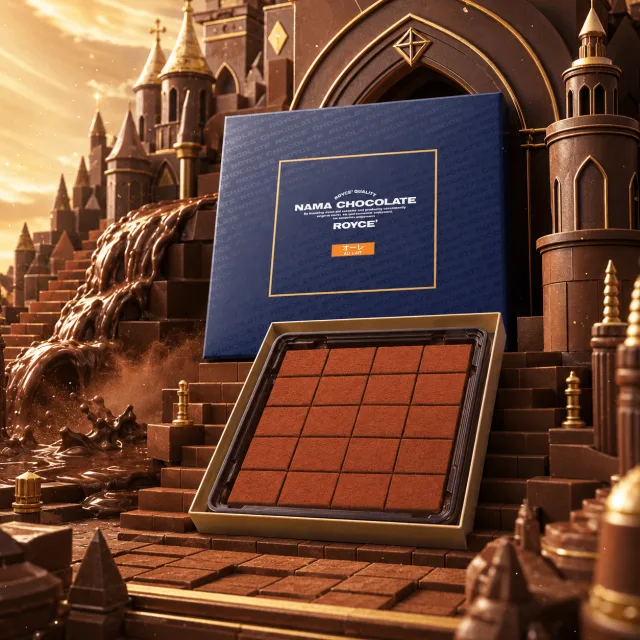
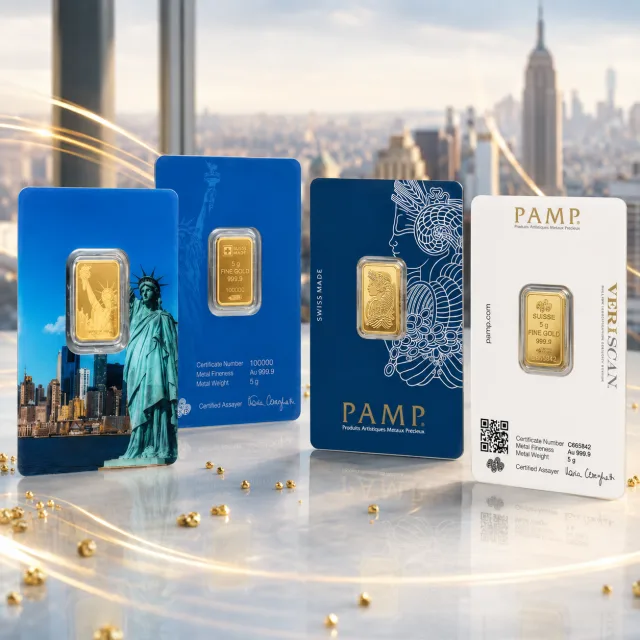
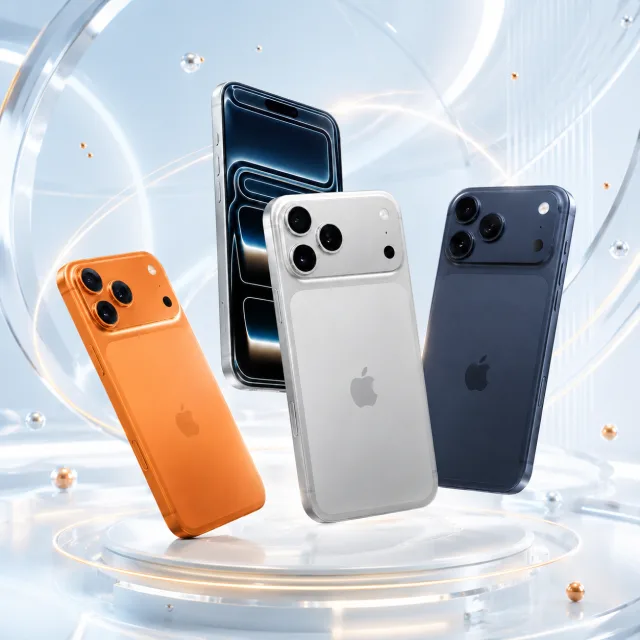
Luxury Brands provides Lucky Draw selections across premium lifestyle product themes. The complete selection includes Lucky Chocolate Draw, CASIO Watch Collection, Luxury Scents Collection, and Apple Lab iPhone Collection. These draws cover chocolates, watches, fragrances and smartphones, giving users several distinct product themes to explore from the dedicated Luxury Brands page.
Start by selecting Collect Cards, Digital Technology, Anime Collectibles, or Luxury Brands according to the type of collection you want to explore.
Browse the available collections within your chosen category and select the Lucky Draw you want to enter. Individual collection cards provide a direct Join Now option for accessing the selected draw.
Inside a Lucky Draw, users can review the featured items and the information displayed for the current round, including the current draw number and the result categories shown on the interface.
The provided Lucky Draw interface offers Draw 1, Draw 3, Draw 5 and Draw 10 selections. Choose the preferred number of draws before proceeding to payment.
The Confirm Payment screen displays the Wallet Balance, payment option, voucher section and total amount for the selected draws. Review the information before selecting Pay Now.
The History feature provides access to previous Lucky Draw records. Available information can include the user, date and time, amount, draw number and result category, allowing users to review earlier draw activity from the selected collection.
The provided S91BOX Lucky Draw interface displays SP, A, B and C as result categories, with percentages shown for the active draw. History also provides dedicated views for reviewing previous SP and A results.
The History area also includes a statistics view for examining historical draw information. Depending on the selected view, users can review information such as category percentages, recent average draw intervals and visual records of previous intervals.
S91BOX Lucky Draw is organized into four main categories: Collect Cards, Digital Technology, Anime Collectibles and Luxury Brands.
Collect Cards contains Pokémon and ONE PIECE trading card-themed Lucky Draw collections, including the listed Pokémon Scarlet & Violet and ONE PIECE card selections.
Digital Technology includes DJI ACTION DUO, HUAWEI Mate XT Ultimate Design Tri-Fold Smartphone, The World of the PlayStation 5 Console, and Home Lab Smart Home.
Anime Collectibles contains 21 Lucky Draw collections spanning POP MART, Toy Story, SpongeBob, Crayon Shin-chan, Demon Slayer, Dragon Ball, Naruto, Pokémon, One Piece and other character or collectible themes.
Luxury Brands includes Lucky Chocolate Draw, CASIO Watch Collection, Luxury Scents Collection, and Apple Lab iPhone Collection.
The provided S91BOX Lucky Draw interface displays Draw 1, Draw 3, Draw 5 and Draw 10, allowing users to choose from the available draw quantities before payment.
Yes. The History feature provides previous draw records and separate views for selected result categories, together with a statistics section for additional historical information.
Yes. The Confirm Payment screen shows the total for the selected draws along with Wallet Balance, payment and voucher information before the user selects Pay Now.
Discover card collections, technology products, anime collectibles and premium lifestyle selections across the four S91BOX Lucky Draw categories. Choose a category and explore its available draws.